


Unified Team Collaboration & Messaging Built for Business Productivity
VirPhone's team collaboration platform combines HD voice, video conferencing, screen sharing, instant messaging, and file sharing into one app — replacing the need for separate Zoom, Slack, and phone subscriptions.
Stop juggling disjointed apps. Bring your company's internal messaging, file sharing, presence, and voice/video calls into one unified platform designed for modern teams.
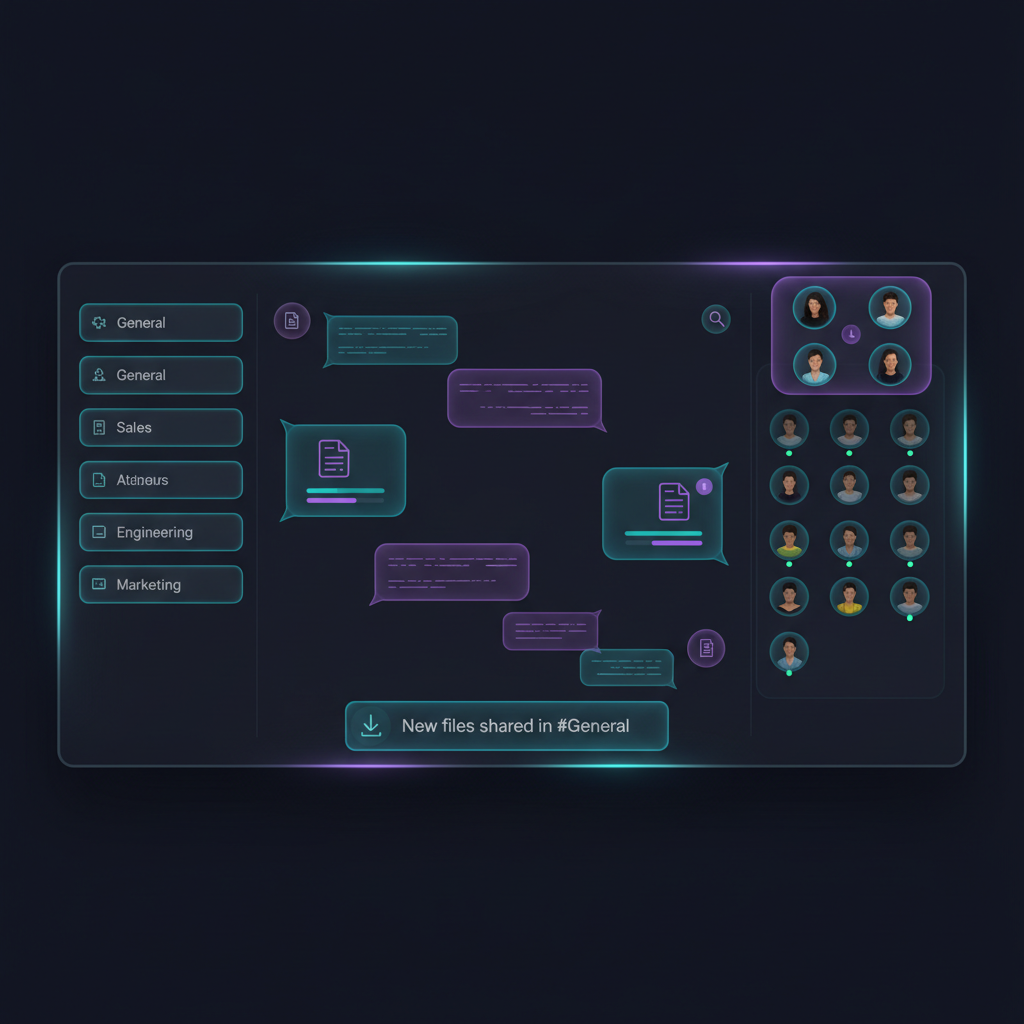
Stop Losing Productivity to Disconnected Communication Tools
- Constant context-switching between chat, phone, and video apps.
- Missed messages and buried files in siloed systems.
- No unified presence—employees guessing if someone is free.
- Security gaps across fragmented communication tools.
The VirPhone Advantage
VirPhone serves as your company's unified workspace. We integrate robust enterprise messaging, secure file sharing, dynamic presence, and instant voice/video escalation so your team can focus on execution rather than finding information.
Explore UCaaS PlatformEssential Features for Team Alignment
Everything you need to keep your workforce connected and productive.
Team Messaging
Send direct messages or collaborate in dedicated group channels built around projects or departments.
Presence Indicators
See exactly who is available, busy, or offline in real-time, synced directly with their active phone state.
File Sharing
Drag and drop documents, images, and videos directly into the chat stream for immediate feedback.
Channels & Groups
Organize the chaos. Keep conversations structured and contextualized inside specific topic-based groups.
Mobile Accessibility
Take your office anywhere. Stay connected to your team channels directly from our iOS and Android apps.
Screen Sharing
Share your entire desktop or a specific application window instantly during collaborative chat sessions.
Task Integration
Convert actionable messages into trackable tasks ensuring critical deliverables don't slip through the cracks.
Searchable History
Never lose a file again. Quickly retrieve past decisions, links, and documents via universal search.
How VirPhone Keeps Your Team Connected
A seamless flow from instant message to live collaboration.
Message Sent
In a project channel.
Team Alerted
Channel notification.
See Presence
Find available experts.
Escalate
Instant voice/video.
Follow Up
Action items tracked.
Built-In Tools for Team Alignment
Access your productivity dashboard wherever you work.
Active Channels
Monitor active project discussions.
Online Team Members
See who is available right now.
Files Shared Today
Access the latest team documents.
Unread Messages
Catch up on what you missed.
Scheduled Meetings
View upcoming voice and video calls.
Pinned Items
Quickly find critical channel resources.
Recent Files
Download recent collaboration assets.
Team Directory
Find contact info for anyone.
Tailored for Your Department
Empower every team to collaborate more effectively.
Sales Teams
Coordinate deals in dedicated channels, share proposals instantly, and escalate chats to live calls with prospects.
Customer Support
Create internal escalation channels to quickly resolve complex customer issues by tapping into collective knowledge.
Engineering Teams
Facilitate async code discussions, share technical files, and jump into impromptu screen shares to squash bugs.
Remote & Hybrid Teams
Bridge the physical gap and maintain company culture with virtual watercoolers and instant connectivity.
Marketing Teams
Streamline campaign coordination, share high-res creative assets, and accelerate approval workflows.
Multi-Location Offices
Keep all branches aligned under a single corporate directory with universal announcements and messaging.
Why Businesses Choose VirPhone for Team Collaboration
Eliminate App Sprawl
Stop paying for separate chat, phone, and video tools by consolidating into one powerful platform.
Reduce Context Switching
Keep your team focused by bringing all communications and files into a single, unified interface.
Keep Conversations Searchable
Build a permanent knowledge base where every decision and file can be retrieved instantly.
Support Remote Work
Provide equal access to communication tools whether employees are at their desks or on the go.
Improve Response Times
Use presence indicators to know exactly who is available to help resolve critical issues fast.
Centralize File Sharing
Maintain control over corporate documents with secure, channel-based file repositories.
Enable Instant Escalation
Move seamlessly from text to voice or video without ever leaving the conversation window.
Lower Software Costs
Reduce your monthly IT spend with predictable pricing that includes all collaboration modalities.
Unified Platform vs. Disconnected Tool Stack
See why modern businesses are consolidating.
| Feature | VirPhone Unified | Siloed Tools |
|---|---|---|
| Communication Channels | Chat, Voice, and Video in one app | Fragmented across multiple apps |
| Presence Sync | Syncs with calendar & active calls | Only tracks activity in one specific app |
| Escalation (chat to call) | Instant 1-click escalation | Must generate external meeting links |
| File Security | Centralized enterprise controls | Decentralized risk of data leakage |
| User Management | Single directory provisioning | Must manage multiple vendor accounts |
| Monthly Cost | Predictable, single invoice | Layered subscriptions add up quickly |
| Mobile Experience | One app for all communication | App switching required on mobile |
| Search & History | Universal indexing and retrieval | Lost context across platforms |
Related Solutions
Explore more features to enhance your communication stack.
Integration Capabilities
Seamlessly connect your communication tools to your existing workflows.
Ready for Every Device
Whether your team uses desktop applications, mobile phones, browser-based WebRTC, or premium VoIP headsets, our collaboration tools perform flawlessly across all platforms to keep everyone in sync.


The VirPhone Deployment Process
We ensure high adoption rates through structured rollouts.
Directory Sync
We map your existing Active Directory to ensure accurate employee provisioning.
Channel Architecture
Our team helps structure your initial department and project-based chat channels.
App Deployment
Silent installation of desktop apps via MDM, alongside native mobile app distribution.
User Training
Live adoption training focusing on best practices for async communication and presence.